

Puro Tracker
An internal project-management system built for our own operation: pipeline + networking inside one Google Sheet, automatic snapshots, and a daily digest. Not publicly accessible, but a model for the kind of zero-cost, zero-maintenance internal tooling we build into every Studio engagement.
Like every consultancy, we needed a pipeline tracker: a way to know what work is in flight, what's stalled, what's coming next. Off-the-shelf tools either underdelivered or overcharged for what's a fundamentally simple workflow. So we built ours: a Google Sheet with two tabs (Pipeline + Networking), an Apps Script bridge, two automatic snapshots a day, and a daily email digest at 8 AM. It's lived inside our own operation since the early days of Puro AI Labs and it's the tool the team actually opens, because it lives where they already work.
- 01
The team didn't want another dashboard. Every tool we'd tried before became a tool nobody updated, invariably because it sat outside the workspace people actually used.
- 02
Pipeline and networking are two different shapes of work: pipeline is auto-updated as part of any work session; networking is owned and updated manually. The same sheet had to support both rhythms without one bleeding into the other.
- 03
We needed historical visibility (what was the pipeline three weeks ago?) without setting up a database or a separate tool to remember snapshots.
- 04
It had to be zero-cost and zero-maintenance for the team. Apps Script gives us both.
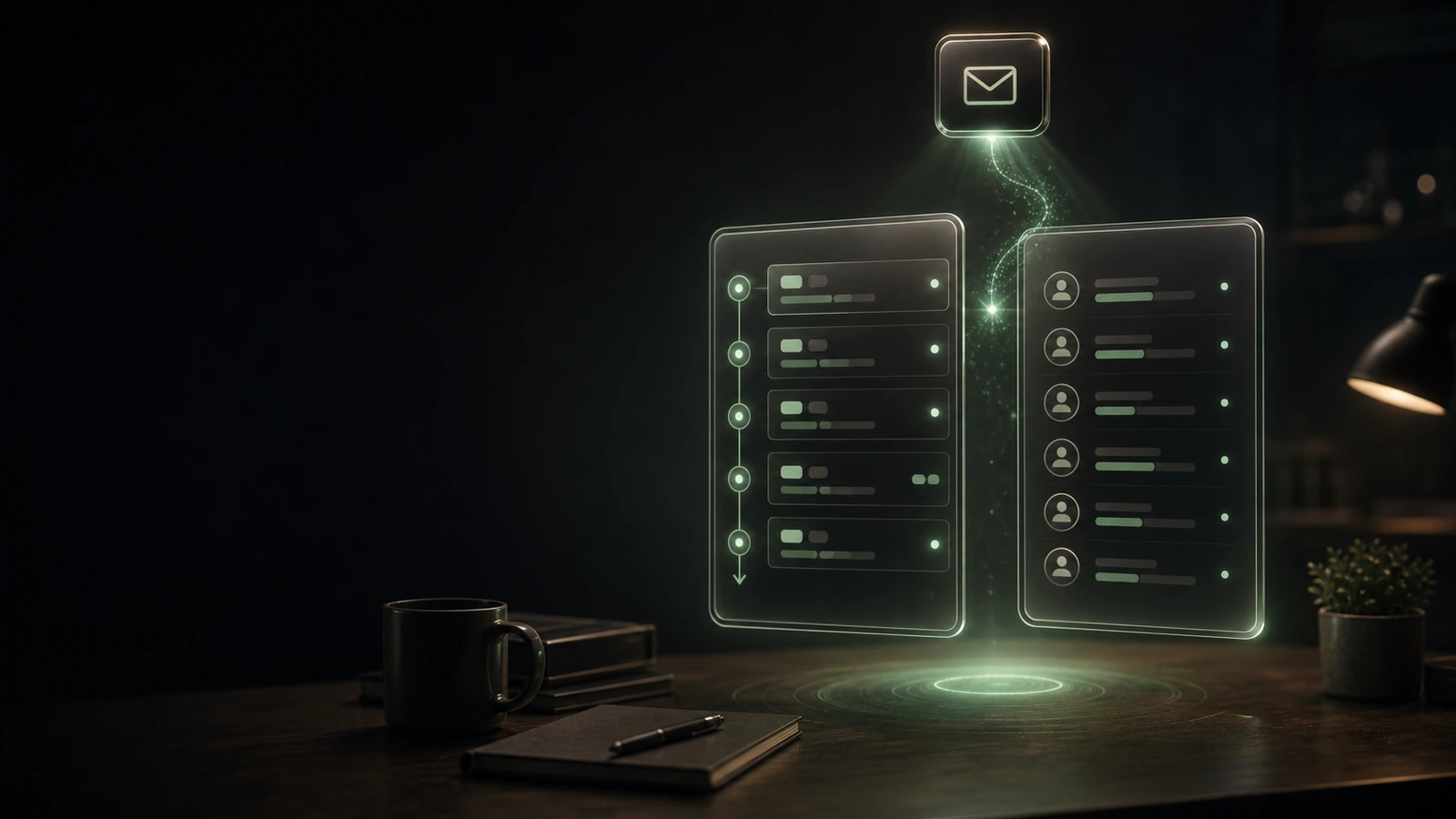
The tracker is a Google Sheet with two tabs: Pipeline (auto-updated as we work) and Networking (manually managed). An Apps Script bridge runs two scheduled snapshots a day (07:30 and 23:00) into a history sheet, and emails a daily digest at 08:00 with what's moved, what's stuck, and what's next. The team never has to open the tracker to find out where the day stands, but everything is one click away when they want to dig in.
Used internally every day. Pipeline visibility and networking follow-ups have stopped slipping. Because the tracker lives inside the same Google workspace the team is already in, no one has to remember to log in to a separate dashboard. The system has held up across the flurry of new client projects that followed, and it's the kind of internal-ops layer we'd build for another agency in a heartbeat.
More work
Want something like this for your business?